
What Is a Warehouse Management System (WMS)? Features, Costs and Benefits
In supply chain management, the warehouse is where plans meet reality. Forecasts, purchase orders and customer promises all depend on one question: is the right stock in the right place, and can we find it?
Many Indian warehouses still answer that question with spreadsheets, paper pick lists and the memory of a few experienced supervisors. That works until volumes grow, SKUs multiply or a key person leaves.
A warehouse management system (WMS) replaces that dependence with controlled, auditable processes. This guide covers what a WMS does, what drives its cost, and how to choose and implement one without a failed rollout.
What Is a Warehouse Management System?
A warehouse management system is software that directs and records everything that happens inside a warehouse. That covers receiving, putaway, storage, picking, packing and dispatch.
It differs from basic inventory management software, which mainly records stock quantities. A WMS goes further: it decides where stock should be stored, which task a worker should do next and how to pick an order efficiently.
In practice, the WMS sits between your ERP, which holds orders and finances, and the physical floor, where scanners, labour and equipment execute the work.
Key Features of a Warehouse Management System
Inbound, Putaway and Slotting
Good systems validate inbound goods against advance shipping notices, capture batch and expiry details at receipt, and suggest putaway locations. Slotting places fast movers close to dispatch and heavy items at safe heights, which cuts travel time and damage.
Inventory Control and Traceability
Every movement is scanned and logged against a location. Batch, lot, serial and expiry tracking support FEFO and recall readiness. Cycle counting replaces disruptive annual stock-takes.
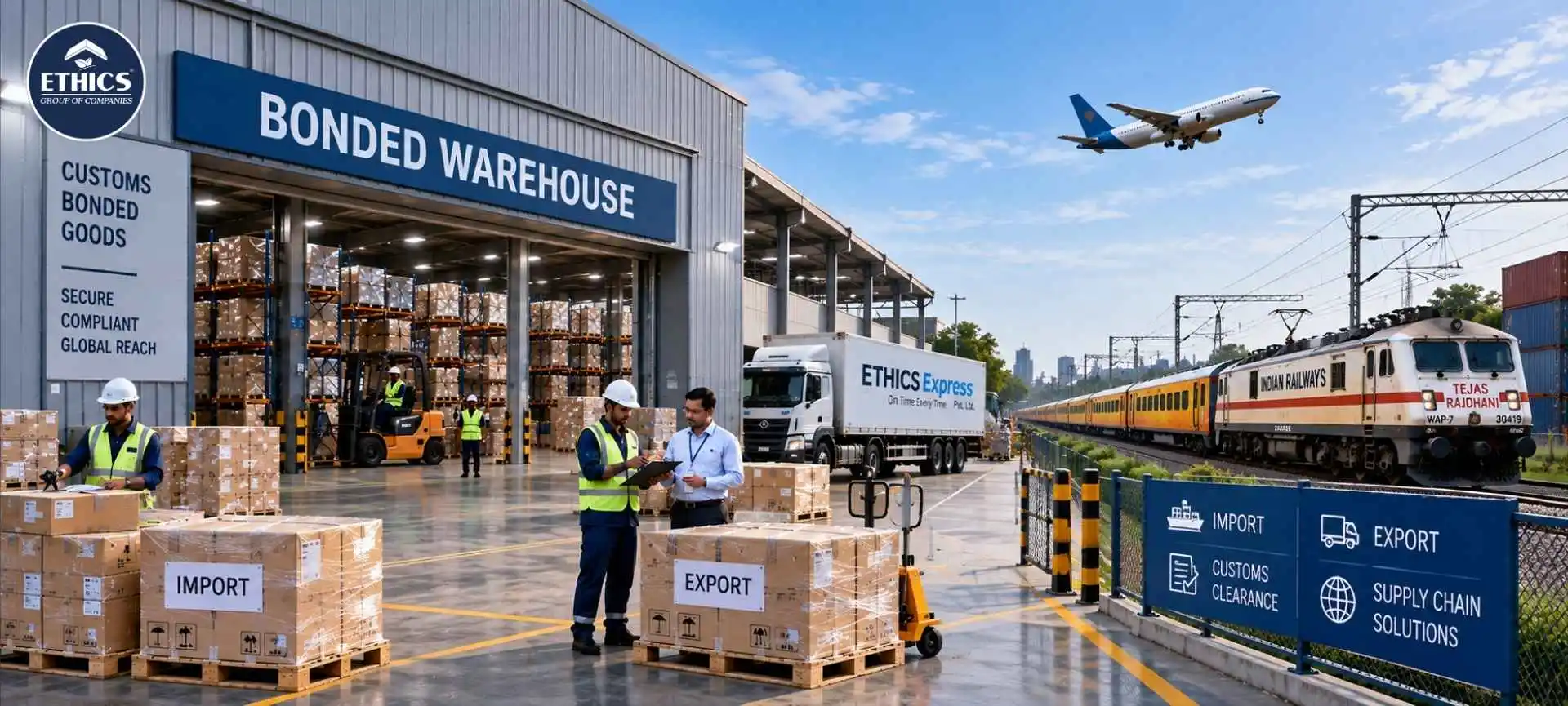
For importers, the same discipline supports bonded warehousing. Duty-unpaid stock must be tracked separately and reconciled accurately, and a WMS makes that audit trail far easier to maintain.
Picking, Packing and Dispatch
The system supports wave, batch, zone and cluster picking, depending on your order profile. It also guides packing, generates labels and manages dock appointments, so trucks load faster and mis-ships fall.
Integration, Automation and Reporting
A WMS should connect to your ERP, transport systems, e-commerce platforms and GST documentation such as e-invoicing and e-way bills. It should also be ready for warehouse automation, such as conveyors, sorters and shuttle systems, through open APIs.
Dashboards then track inventory accuracy, dock-to-stock time, order cycle time and pick productivity. These are the numbers a CFO and an operations head should review together.
Benefits of Implementing a WMS
-
Inventory accuracy: Location-level, scan-based control reduces phantom stock and shortages.
-
Space utilisation: Better slotting and putaway logic use cubic space more fully, deferring the need for extra square footage.
-
Labour productivity: Directed tasks and optimised pick paths cut idle time and walking.
-
Service levels: Faster, more accurate fulfilment improves on-time-in-full performance.
-
Traceability and compliance: Batch and expiry control support audits, recalls and customer scorecards.
-
Visibility: Real-time stock data strengthens an end to end supply chain by letting planners trust the numbers they plan against.
There is also a planning benefit. Clean WMS data is the foundation for better forecasting. If you are exploring AI and ML in demand forecasting, accurate, timestamped stock and movement history is the input those models need.
WMS Cost: What Drives the Price?
Prices vary widely by vendor, scale and scope, so treat any quoted number with caution until you receive a written proposal. The main drivers are:
-
Licensing model: Subscription (per user, site or transaction) versus a one-time licence plus annual maintenance.
-
Deployment: Cloud hosting versus your own servers, security and IT staff.
-
Scope and modules: Basic inbound-outbound versus labour management, yard management or slotting optimisation.
-
Customisation: Heavy workflow changes raise implementation cost and complicate future upgrades.
-
Integration: ERP, transport, e-commerce and automation connections often cost more than expected.
-
Hardware: Scanners, printers, wireless infrastructure and, if used, RFID.
-
Training and change management: Usually under-budgeted.
-
Support: Service-level agreements and post-go-live support.
Finance view. Evaluate total cost of ownership over three to five years, not the first-year invoice. Cloud shifts spending towards operating expense, while on-premise is more capital-heavy. Software services typically attract GST, which is generally claimable as input credit subject to eligibility, so confirm treatment with your finance team.
Build the business case on measurable gains such as pick productivity, error and return costs, stock write-offs and space deferred. Then agree on a payback target before you shortlist vendors.
Types of WMS: Cloud, On-Premise and ERP Module
|
Factor |
Cloud WMS |
On-premise WMS |
ERP module |
|
Deployment speed |
Fast |
Slower |
Moderate |
|
Cost pattern |
Subscription (opex) |
Upfront licence (capex) |
Bundled with ERP |
|
IT burden |
Low |
High |
Moderate |
|
Functional depth |
Strong, improving fast |
Highly configurable |
Often basic to moderate |
|
Scalability |
Easy to add sites and users |
Needs hardware planning |
Tied to ERP roadmap |
|
Best for |
Growing and multi-site operators |
Complex, tightly controlled sites |
Simple, low-complexity flows |
An ERP module can be adequate for straightforward operations. For high-SKU, multi-client or high-velocity sites, a specialised WMS usually performs better.
How to Choose and Implement the Right WMS
Choosing
-
Map your processes first. Document how you receive, store, pick and dispatch today, and where errors occur.
-
Define must-haves. Separate essentials from nice-to-haves, such as expiry control, multi-client billing or integration with your transport systems.
-
Match the vendor to your sector. An FMCG supply chain needs high-throughput picking and FEFO. Pharma logistics in India needs batch genealogy, temperature-zone control and audit-ready records.
-
Check operating-model fit. If you run 3PL warehousing, look for multi-client inventory segregation, activity-based billing and client-facing visibility.
-
Test with your own data. Demand a scripted demo using your SKUs and order patterns, and speak to reference customers in India.
Implementing
-
Clean the master data. Item dimensions, barcodes, units of measure and locations must be right before go-live.
-
Limit customisation. Configure before you customise.
-
Pilot first. Start with one zone or client and expand after the numbers stabilise.
-
Train for the floor. Supervisors and pickers need hands-on practice, not just manuals.
-
Plan hypercare. Keep vendor and internal support on site for the first weeks.
Software cannot fix a poor building. If you are still deciding on the facility itself, our guide on what is a Grade A+ warehouse explains the specifications that support automation and higher throughput.
Conclusion
A warehouse management system is not just an IT purchase. It is an operating discipline that improves accuracy, speed and traceability, and it pays back when process, people and data are ready.
The best results come from clear requirements, honest total-cost thinking and a phased rollout. Ethics Group works with businesses to align warehouse systems with how their inventory, facilities and customers actually operate.



.jpg)